
Bulk Design Upload
Add multiple artwork files to Pengine in one flow, organize them easily, and use them to create print-on-demand products faster.
- Upload multiple designs together
- Reduce repetitive manual work
- Organize artwork in one place
- Create product collections faster
- Useful for sellers with many designs
What This Feature
Does
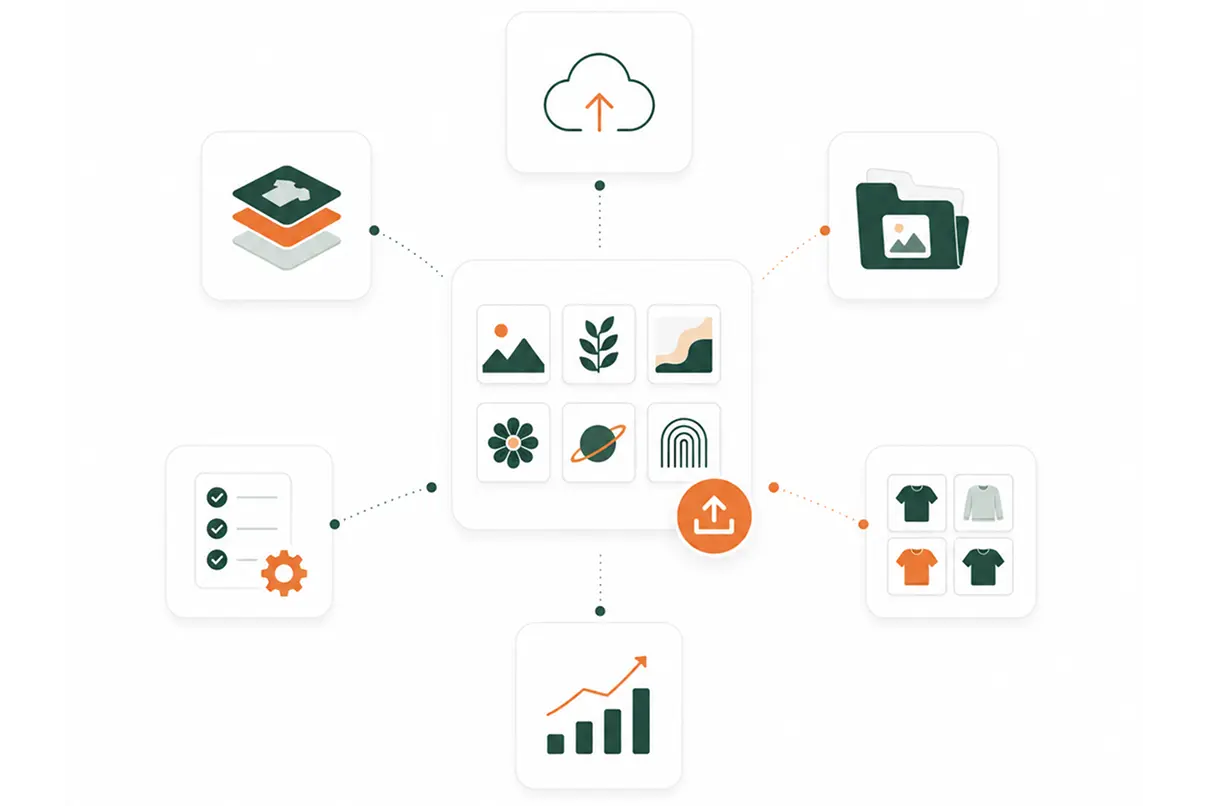
Bulk Design Upload helps sellers upload multiple artwork files into Pengine at the same time.
Instead of uploading one design, creating one product, then repeating the process again and again, sellers can add a group of designs and use them for product creation more efficiently.
This is useful when launching a new collection, uploading design variations, or preparing a larger catalog.
How It Helps
Sellers
Faster Uploading
Upload several designs in one flow instead of handling each file separately.
Better Organization
Keep your uploaded artwork inside Pengine so it is easier to find, select, and reuse later.
Quicker Product Creation
Use uploaded designs to create t-shirts, hoodies, and other apparel products faster.
Less Repetitive Work
Reduce the time spent repeating the same upload step for every design.
How It Works
Upload your artwork once, keep designs organized, and use them faster when creating apparel products and collections.
Select Your Design Files
Choose the artwork files you want to upload.
Upload in Bulk
Add multiple files to Pengine at once.
Review Your Designs
Check the uploaded designs before using them for products.
Use Designs for Products
Select uploaded designs when creating new products.
Launch Faster
Create more products or collections without starting from scratch every time.
Best Use Cases
Bulk Design Upload is useful when you are working with more than one design at a time.
Use it for:
- New product collections
- Multiple t-shirt designs
- Hoodie design drops
- Seasonal campaigns
- Creator merch collections
- School or event merch
- Design variations
- Large catalog setup
What You Can Upload
Use this section to show accepted file types and upload requirements.
PNG files
Transparent background artwork
High-resolution designs
Front print designs
Back print designs
Logo files
Typography graphics
Illustration files
Final file requirements can be adjusted based on Pengine’s production standards.
Why It Matters
Uploading designs one by one can slow down product creation, especially when you are building a larger apparel catalog.
Bulk Design Upload helps reduce that friction. It gives sellers a faster way to move from artwork files to product creation.
This makes it easier to test more designs, launch more products, and build collections with less manual work.
Simple Feature Summary
Feature name
Bulk Design Upload
Main purpose
Upload multiple designs at once
Best for
Sellers with many designs
Helps with
Faster product creation
Used for
T-shirts, hoodies, apparel collections
Main benefit
Less repeated manual uploading
Upload Designs and Create Products
Faster
Add your artwork in bulk, organize your designs, and start creating print-on-demand products with less manual work.